









Creating a home workspace that feels both relaxing and productive can be a game-changer for anyone working remotely or spending significant time on personal projects. When your environment supports focus and comfort, tasks get done more efficiently, and stress levels drop. In this post, we’ll explore practical tips to help you design a home office space that feels inviting and helps you stay on top of your work.
Why a Relaxing Workspace Matters
Your workspace plays a big role in how motivated and effective you feel. A cluttered, uncomfortable, or noisy area can distract you and sap your energy. On the other hand, a thoughtfully arranged workspace can boost focus, reduce fatigue, and make working more enjoyable.
Taking time to optimize your environment is an investment in your well-being as well as your productivity.
Choose the Right Location
Selecting the best spot in your home for your workspace sets the foundation.
– Find natural light: Choose a space near a window if possible. Natural light can improve mood and reduce eye strain.
– Consider noise levels: Pick a quiet corner or a room where you won’t be interrupted often.
– Think about space: Make sure there’s enough room to comfortably fit your desk, chair, and any essential equipment without feeling cramped.
– Separate work from relaxation: If feasible, avoid setting up your workspace in places typically used for rest, such as your bedroom, to help maintain clear boundaries between work and leisure.
Invest in Comfortable Furniture
A relaxing workspace starts with ergonomic furniture that supports your body.
– Desk: Choose a desk at the right height to avoid hunching. Adjustable desks that let you switch between sitting and standing can be beneficial.
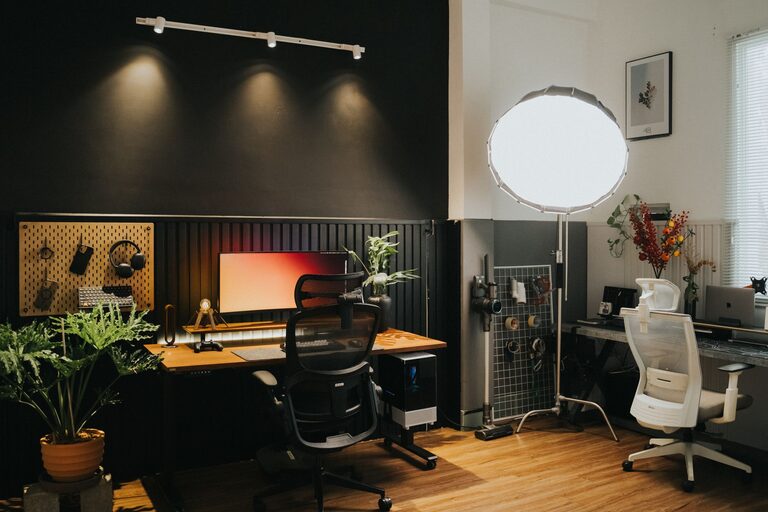
– Chair: Invest in an ergonomic office chair with good lumbar support. Comfort can prevent back pain and improve posture.
– Accessories: Use footrests or cushions as needed to enhance comfort.
Organize for Efficiency and Calm
Clutter can affect both your ability to concentrate and your stress levels. Implementing smart organization strategies keeps your space tidy and makes it easier to find what you need.
– Declutter regularly: Remove unnecessary items from your desk and surrounding area.
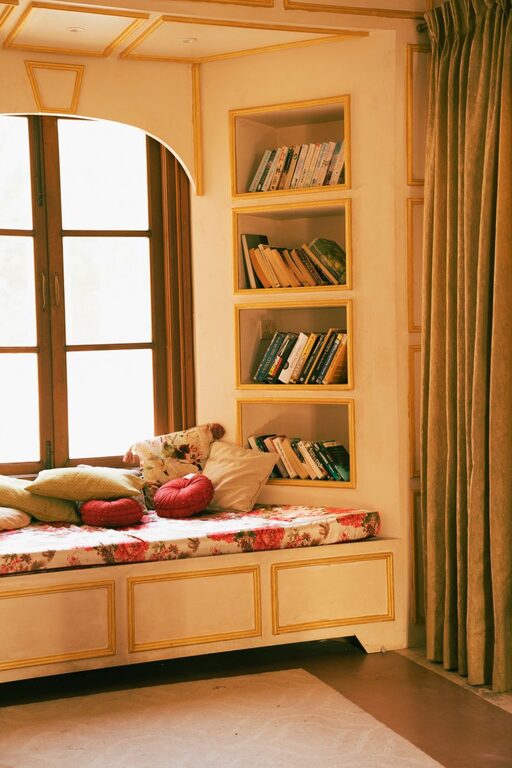
– Use storage solutions: Shelves, drawers, and desk organizers can keep supplies neatly stored.
– Cable management: Use clips or sleeves to keep cables organized and out of the way.
– Minimalism: Try to keep your workspace simple with only the essentials.
Personalize Your Space
Adding personal touches can make your workspace feel more inviting and reduce stress.
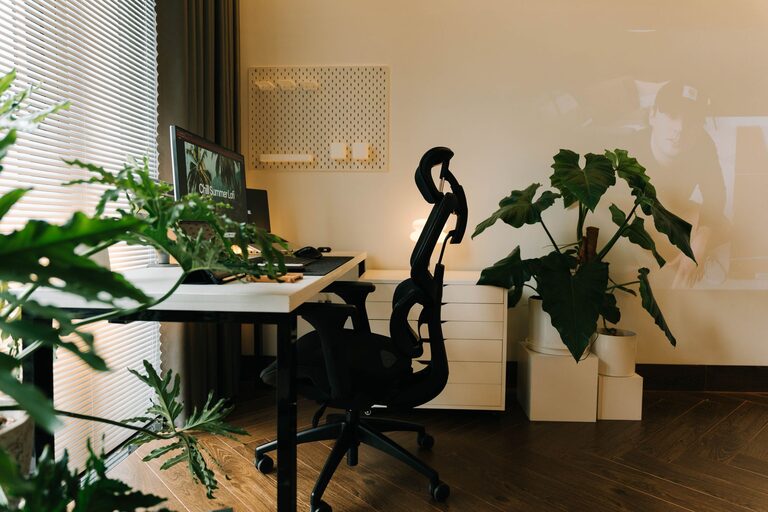
– Plants: Indoor plants add color, improve air quality, and have a calming effect.
– Art and photos: Display pictures or art you love to create a positive atmosphere.
– Colors: Choose soothing colors for your walls or accessories, such as soft blues, greens, or neutrals.
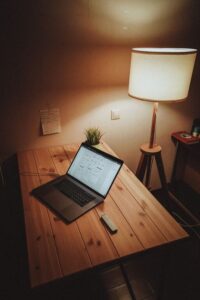
– Lighting: Use soft, adjustable lighting in addition to natural light to avoid harsh glare.
Manage Noise Creatively
Noise can be distracting or stressful. Here are a few ideas to maintain a calm audio environment:
– Noise-canceling headphones: These can block out background noise, allowing you to concentrate.
– White noise or nature sounds: Background sounds like rain or ocean waves can improve focus for some people.
– Soft music: Gentle instrumental music may boost productivity but avoid anything too stimulating or with lyrics if it distracts you.
Incorporate Break and Movement Areas
Taking regular breaks and moving your body helps keep energy up.
– Create a small space for stretching or quick exercises near your desk.
– Keep a water bottle nearby to stay hydrated.
– Use reminders or timers to encourage short breaks every hour.
– Consider a standing desk or balance board that lets you move while working.
Optimize Technology Setup
Technology is central to a home workspace but should enhance rather than complicate your routine.
– Reliable internet: Ensure you have a fast and stable connection.
– Quality peripherals: A good keyboard and mouse can prevent strain.
– Screen positioning: Position your monitor at eye level to reduce neck strain.
– Minimize screen glare with blinds or anti-glare screens.
Maintain a Routine and Set Boundaries
A relaxing workspace supports good habits.
– Set consistent work hours to help your mind switch between work and personal time.
– Dress for work: Even if you stay at home, wearing appropriate attire can improve mindset.
– Inform household members of your schedule to reduce interruptions.
– End your day by tidying up to prepare for a fresh start tomorrow.
—
By paying attention to your home workspace environment, you can create a comfortable, focused setting that supports your productivity and wellbeing. Start with small adjustments, and customize your space until it feels just right for you. A relaxing workspace isn’t just a luxury—it’s a valuable tool for working smarter and feeling better every day.